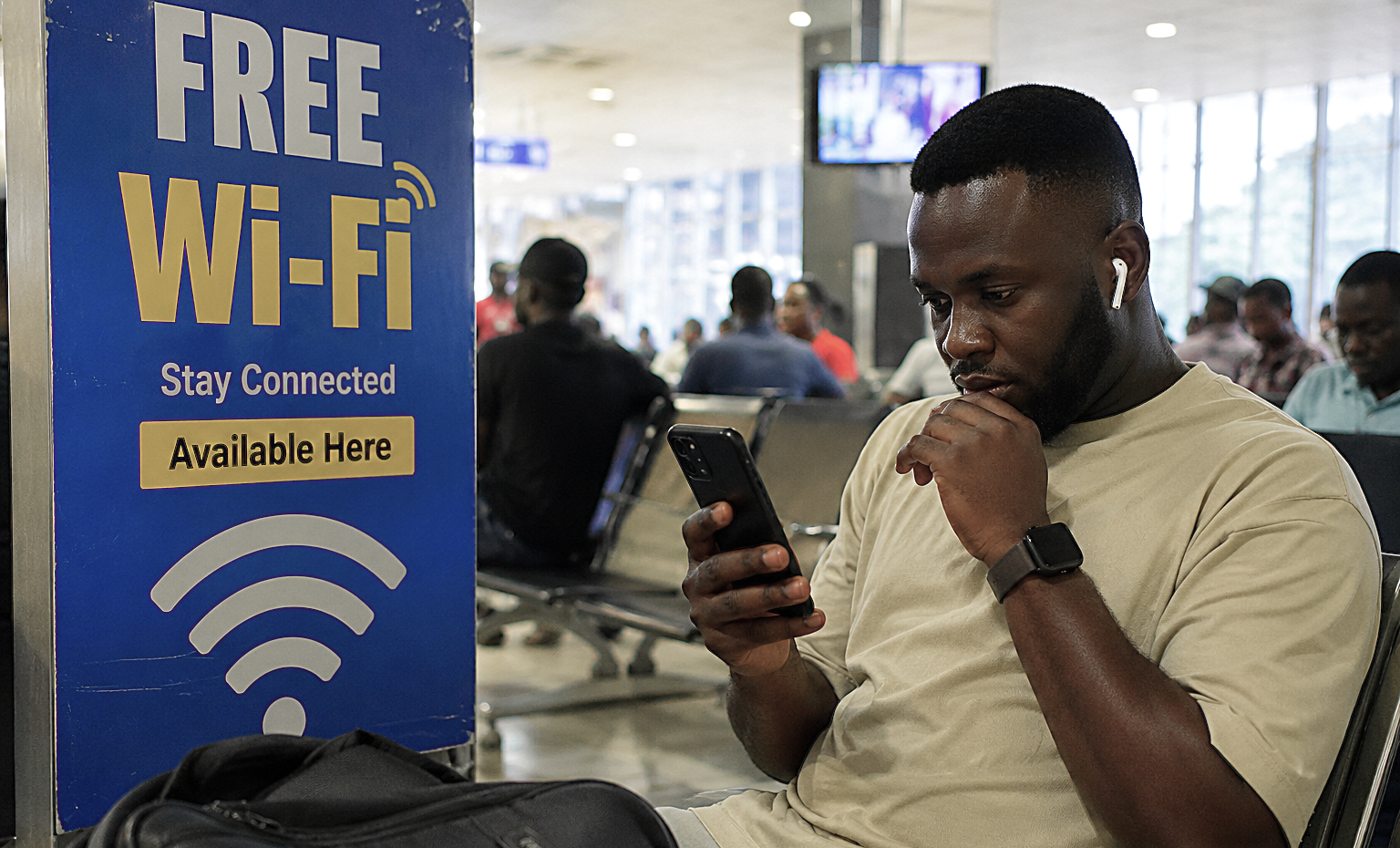
In 2025, our family friend, Egbon Tunde, was You are at the airport, hotel or restaurant. You see free Wi-Fi. Why waste your data? But that free connection may cost you more than the data you are trying to save.avelling from Lagos to Europe. While waiting at the airport, he noticed a free Wi-Fi network. His flight was still hours away, so he connected.
Why use his own data when there was free internet? He replied to some emails, checked WhatsApp, opened a few work documents and later logged into one of his important accounts. No warning. No strange message. Nothing to make him afraid. But that is exactly the problem with unsafe public Wi-Fi. Sometimes, you may not know anything is wrong until much later.
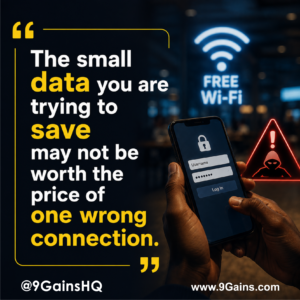
The Real Danger of Free Public Wi-Fi:
This kind of threat is very real. At an airport, hotel, restaurant or even an event centre, somebody can create a Wi-Fi name that looks genuine. You may see something like “Airport Free WiFi” or “Hotel Guest WiFi” and think it belongs to the place. Once you connect to the wrong network, a criminal may try to watch what you are doing, send you to a fake login page or steal information you enter. That innocent decision Egbon Tunde made just to save his mobile data could expose his email, social media, business information or even passwords.This kind of threat is very real. At an airport, hotel, restaurant or even an event centre, somebody can create a Wi-Fi name that looks genuine. You may see something like “Airport Free WiFi” or “Hotel Guest WiFi” and think it belongs to the place. Once you connect to the wrong network, a criminal may try to watch what you are doing, send you to a fake login page or steal information you enter. That innocent decision Egbon Tunde made just to save his mobile data could expose his email, social media, business information or even passwords.
How to Use Public Wi-Fi Safely
Before you connect, look properly.Do not trust a Wi-Fi network simply because the name looks correct. Ask a staff member for the official Wi-Fi name and password.If you are doing something important like online banking, paying a supplier, checking company email or opening private business information, your own mobile data is usually the safer choice.Also, avoid any strange page asking you to enter passwords, card details or information that does not make sense.
If you have already connected and something suddenly feels wrong, disconnect from the Wi-Fi immediately.Do not continue because you have already started.If you entered an important password, change it using a trusted connection. Check your email, bank, social media and business accounts for strange login or activities.If it is a company account, tell the person responsible for IT or security quickly.That free Wi-Fi may save you a few naira in data. But one careless connection can cost you money, private information, business records and days of stress trying to recover your accounts.